

Lightspeed & Veracross Integration
Supporting Lightspeed R- Series and X-Series
A Lightspeed Verified Solution

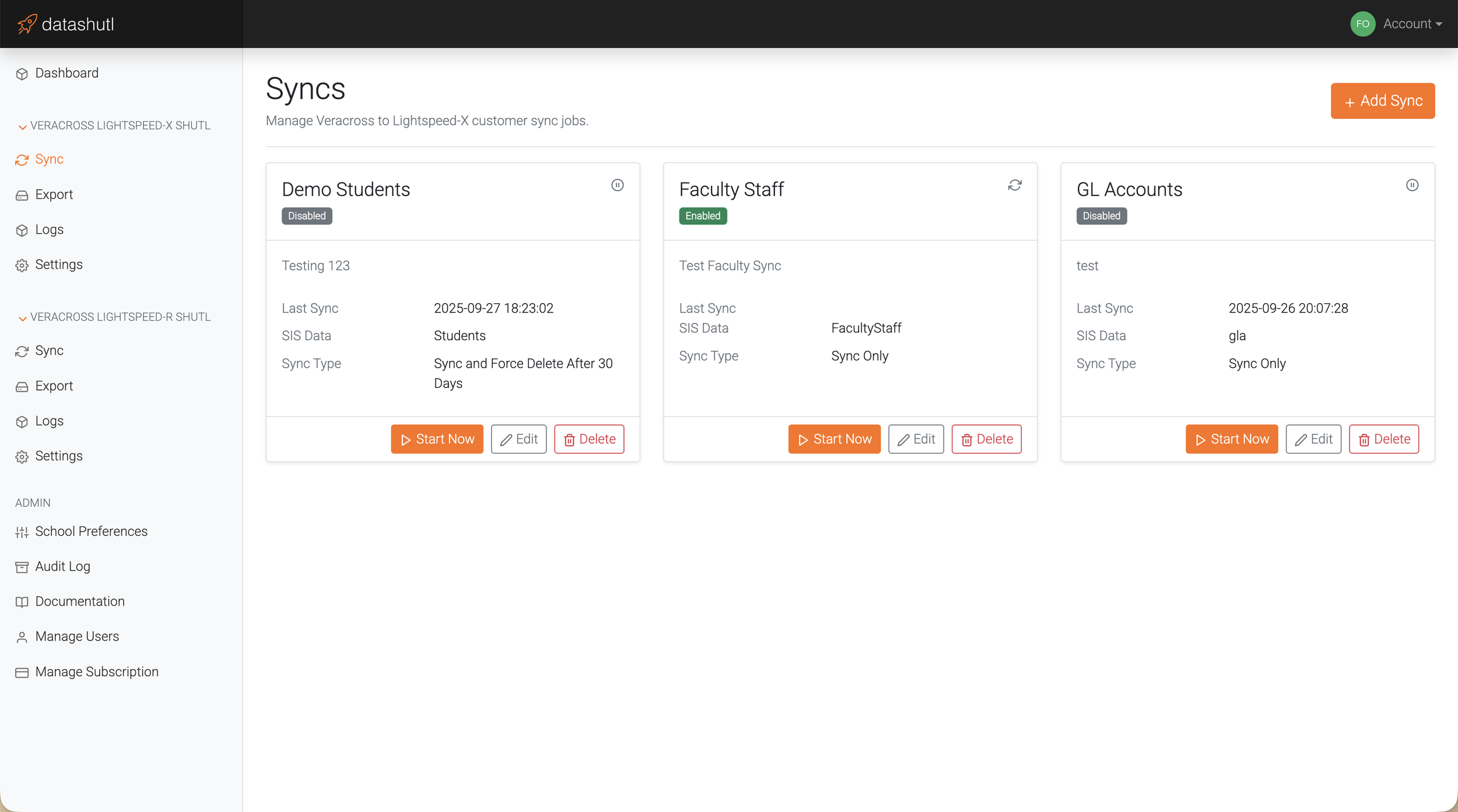
Sync Filters
Use filters to select which records to include. Exclude any records that are an exception by Veracross Person ID. Then customize how fields in Lightspeed are populated with your data.
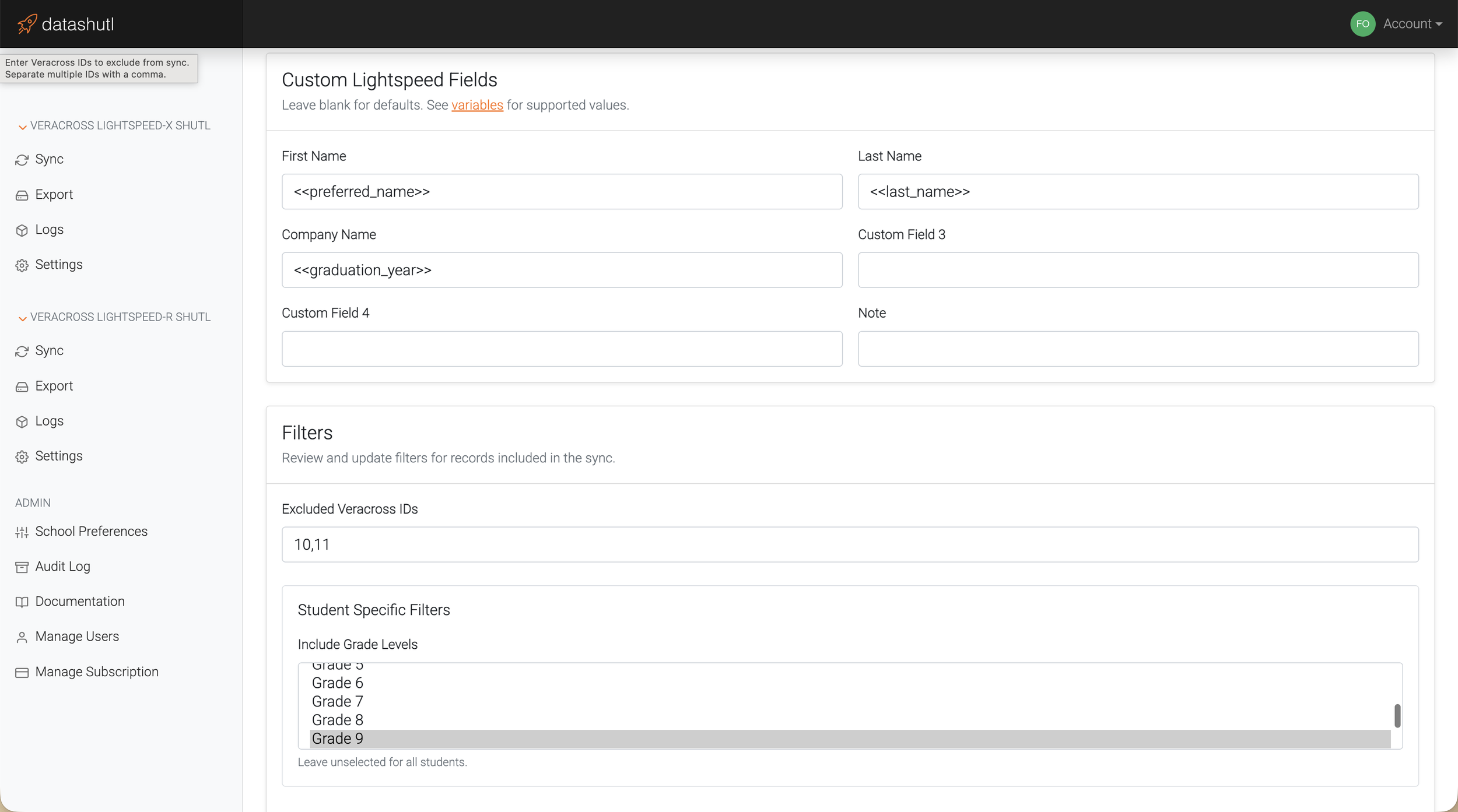
Sync
Sync your Veracross students, faculty, staff, and department G/L accounts into Lightspeed HQ. Accounts are created automatically and kept up to date nightly or on-demand. Leverage additional sync flexibility with Lightspeed customer groups, account credit limits, and filters. You decide how to delete customers in Lightspeed, by waiting for balances to clear, force deleting in 30 days, or just leave them there.
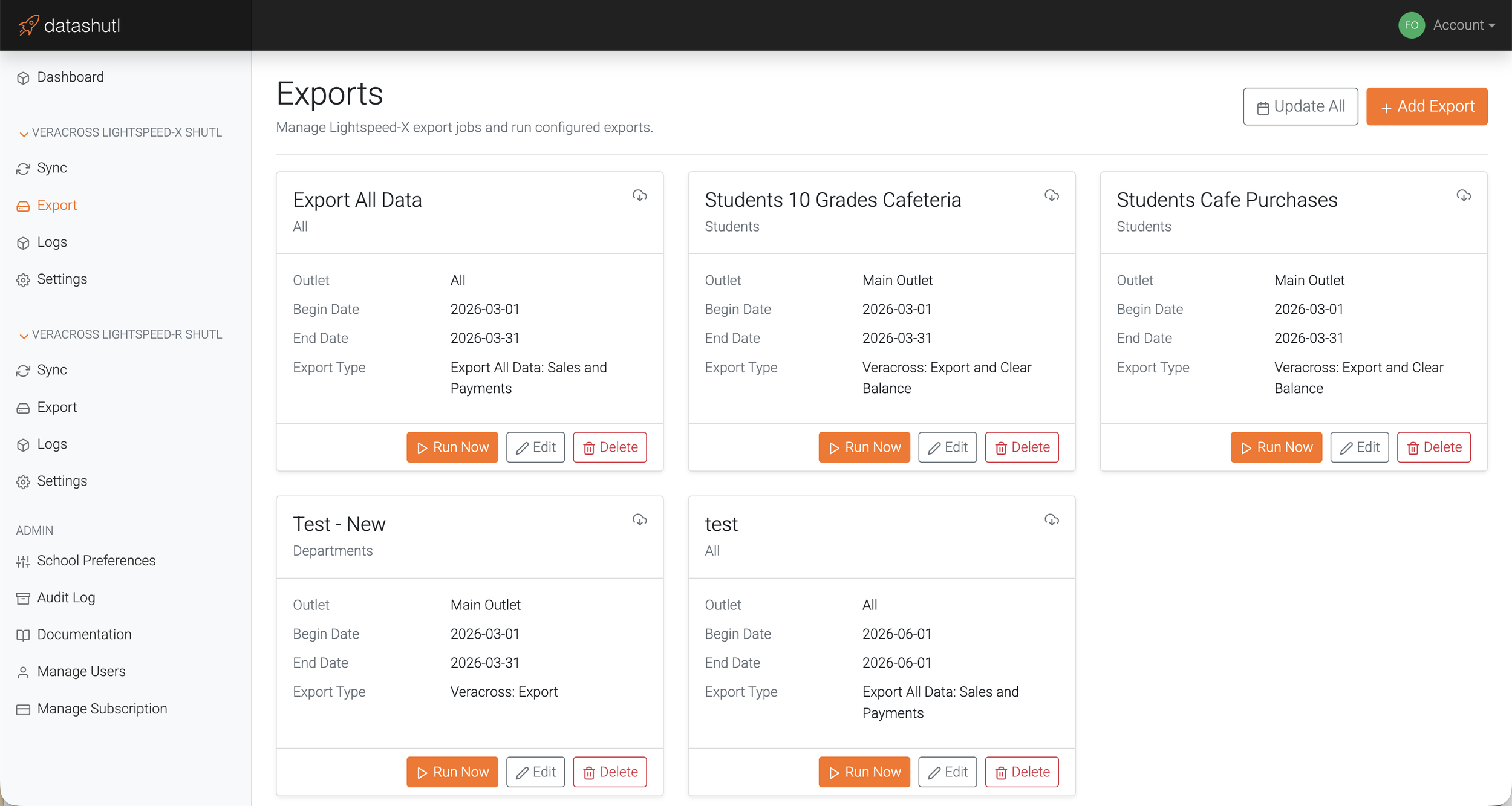
Export Analytics
View your results in a dashboard that gives some analytics on your exported data. Use this to verify your sales, see item performance.
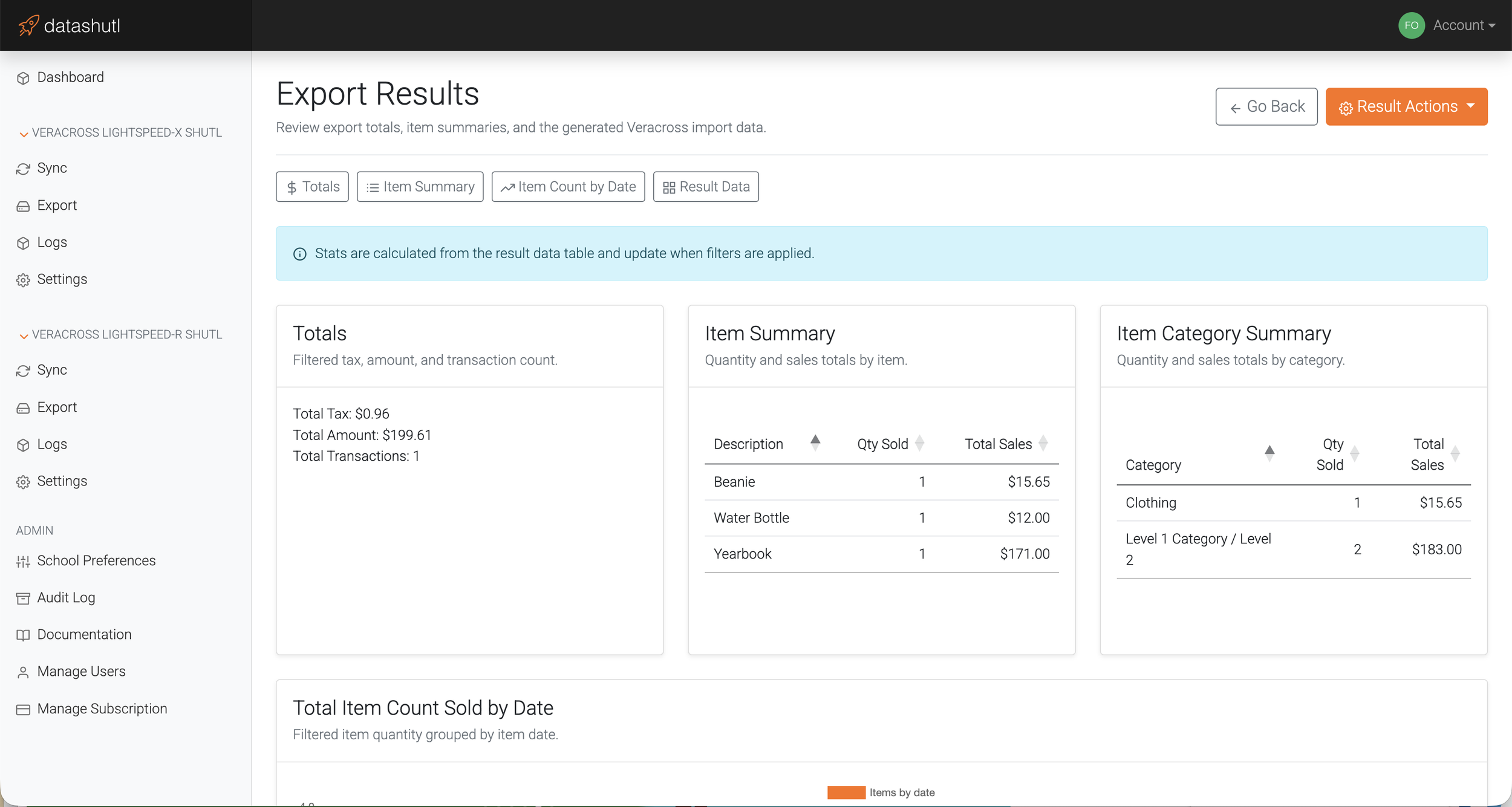
Export
Export sales from Lightspeed in a format that can be directly imported into Veracross. Filter exports by Lightspeed outlet/shop, customer group, date range, or just export all the data from Lightspeed. Automatically close on-account Lightspeed invoices by posting payments to open invoices keeping all accounting in Veracross.
Audit Log
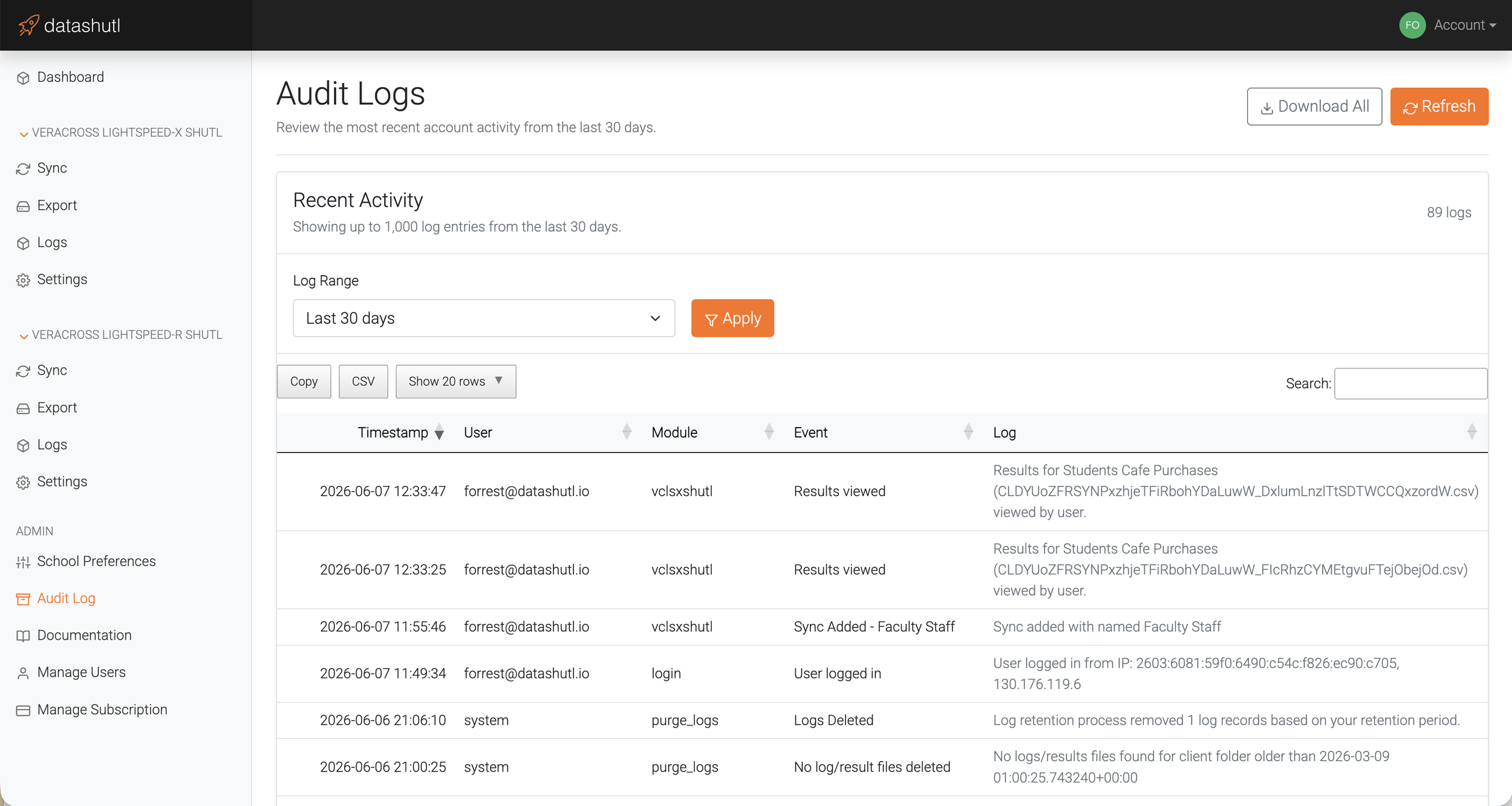
Audit logs keep track of all actions across the system. Records updated, viewed, settings changed, etc. Keep control and track of what is taking place across the system.
Audit logs can be retained up to one -year by your preference.
Log
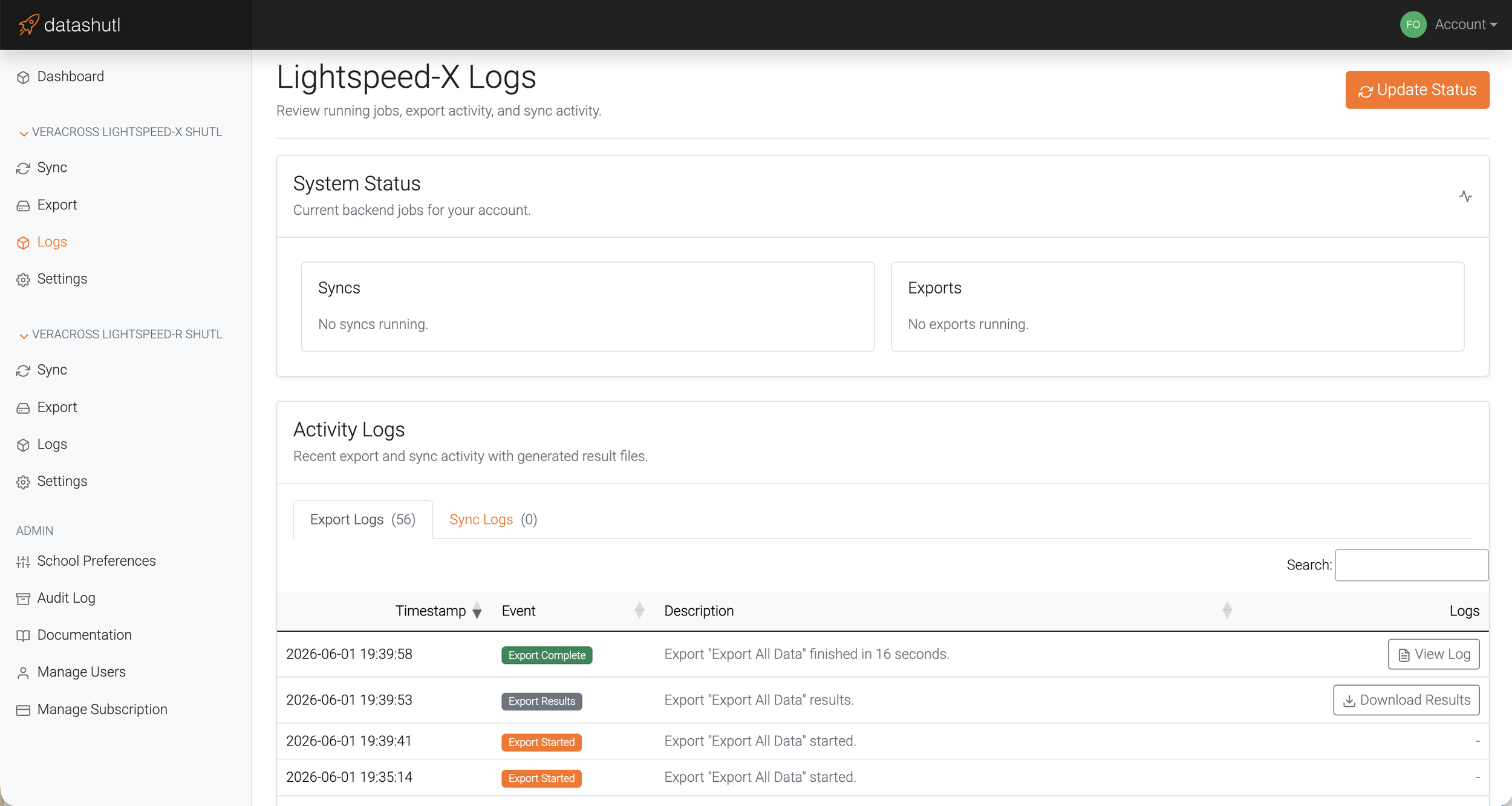
Verbose logging keeps track of all actions taken by the system during export and sync. Know exactly what happened, when, and by whom.
Manage currently running export and sync jobs.
Secure
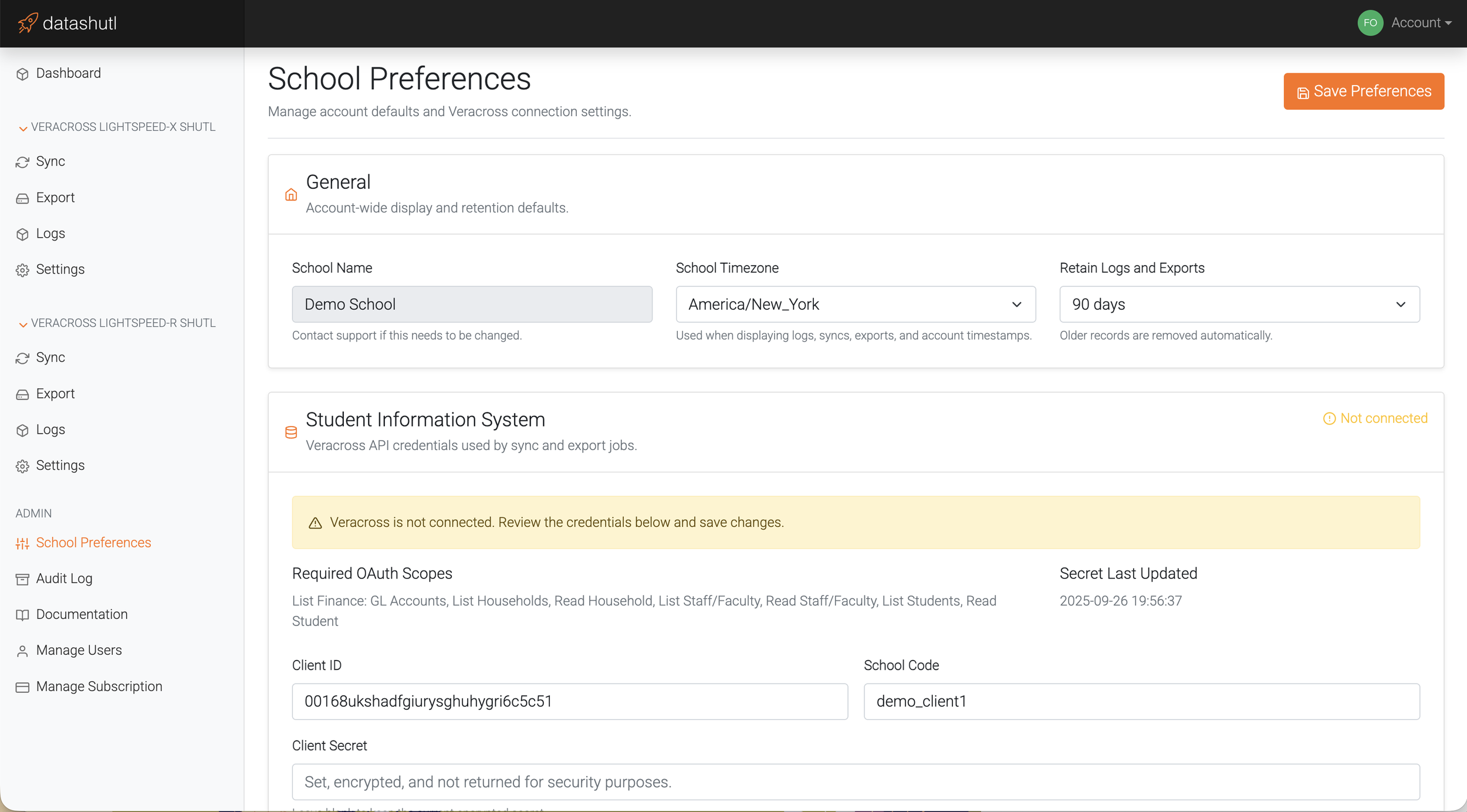
Security is our foremost priority. Leveraging Amazon technologies that include EC2, DynamoDB, KMS, S3, CloudWatch, and IAM policies, data is always encrypted both in transit and at rest. Set your own data retention polices.
The datashutl platform uses Okta auth0 and multi-factor authentication to keep your account secure. All actions are stored in audit logs that can be reviewed by the IT Admin.